Overview
Zenwall takes a pile of images and arranges them into a dense, gap-spaced mosaic sized for your screen. Point it at a local folder or paste an are.na channel, re-roll until you like the arrangement, and export a wallpaper.
It runs entirely in the browser. Local photos never leave the page; the only network calls are to are.na, and only when you ask for a channel. Open the live tool below, or read on for the thinking.

Three problems, one tool
- OLED burn-in: A wallpaper that never changes slowly ghosts itself into an OLED panel. That constraint shaped the whole design.
- Composition, not chaos: A grid of randomly placed images looks like a contact sheet. The output needed to feel arranged.
- A source designers already keep: are.na is where a lot of designers store their reference. Their moodboard should be able to become their desktop.
The chunk logic
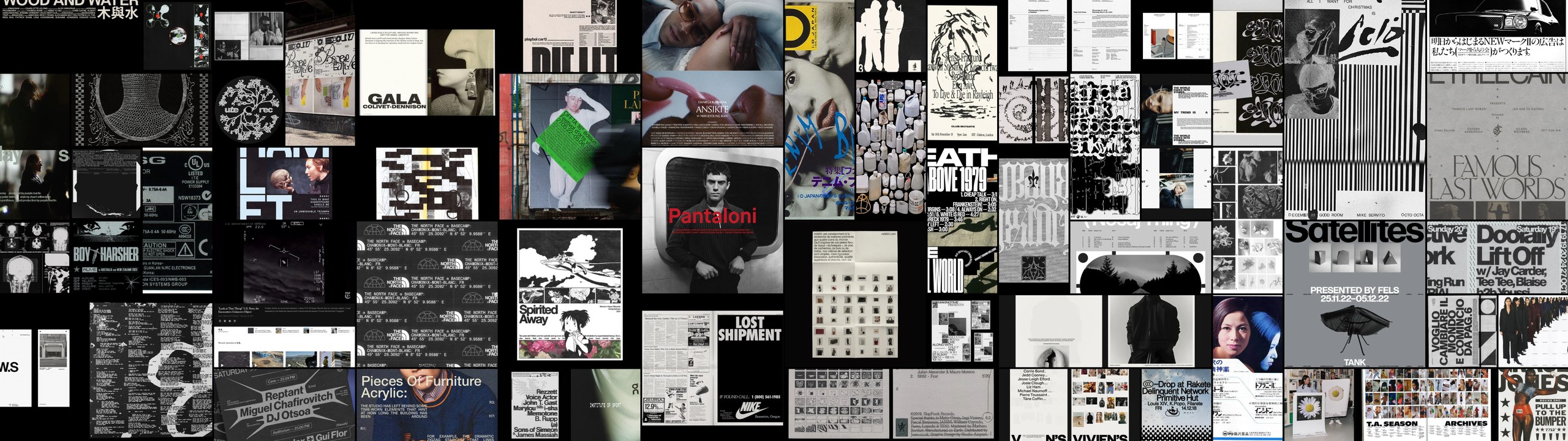
The piece that makes the output look composed rather than random. Each image is read for its orientation and given a tile size weighted to suit it: portraits tend to take tall chunks, landscapes wide ones, squares stay square. The placement then scores every open grid slot by how many filled neighbours it touches and takes the best, so the mosaic grows in tight clusters instead of scattering across the canvas.
Tiling alone is not enough, though. A folder you curated yourself already shares a palette, so it reads as intentional; drop in a mixed are.na channel and unrelated colors land side by side and it turns to noise. So each image also gets a color signature, and the pool is ordered by a hue-banded sort (grays grouped on their own) before placement. Similar colors end up together and the wallpaper resolves into color fields rather than confetti.
Layouts are driven by a seeded generator, so an arrangement is reproducible: the same seed gives the same mosaic. A hue rotation tied to that seed shifts which color leads, which is what lets re-roll and the rotation pack stay distinct.
Designing around OLED
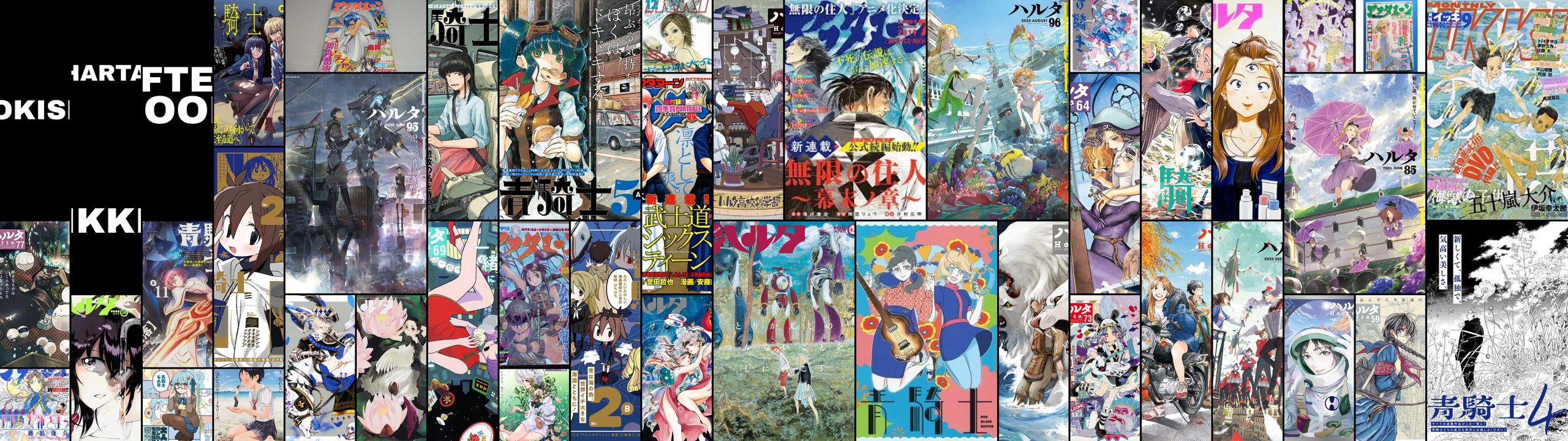
Burn-in is caused by static, bright pixels sitting in one place for hours. Zenwall answers that in three ways, surfaced plainly in the UI rather than buried.
- Dark canvas: The gaps default to true black. Black pixels draw no power and cannot burn.
- Movement: Every re-roll reshuffles the entire mosaic, so no image keeps the same spot.
- Rotation pack: One click writes a folder of variants, each with the palette rotated and checked against the last so consecutive frames are genuinely different. Point your OS slideshow at it and the desktop is never static.

Two halves, open source
The web app covers the on-demand case and doubles as this portfolio's live demo. For a desktop that rotates on its own, the repo also ships a small PowerShell installer: the same tiling engine, ported so it needs no browser, plus an are.na downloader and a Task Scheduler recipe for hourly regeneration.
The browser engine is a faithful canvas port of that original C# engine, so both halves render the same way. Everything is MIT-licensed and on GitHub for people to point at their own folders.